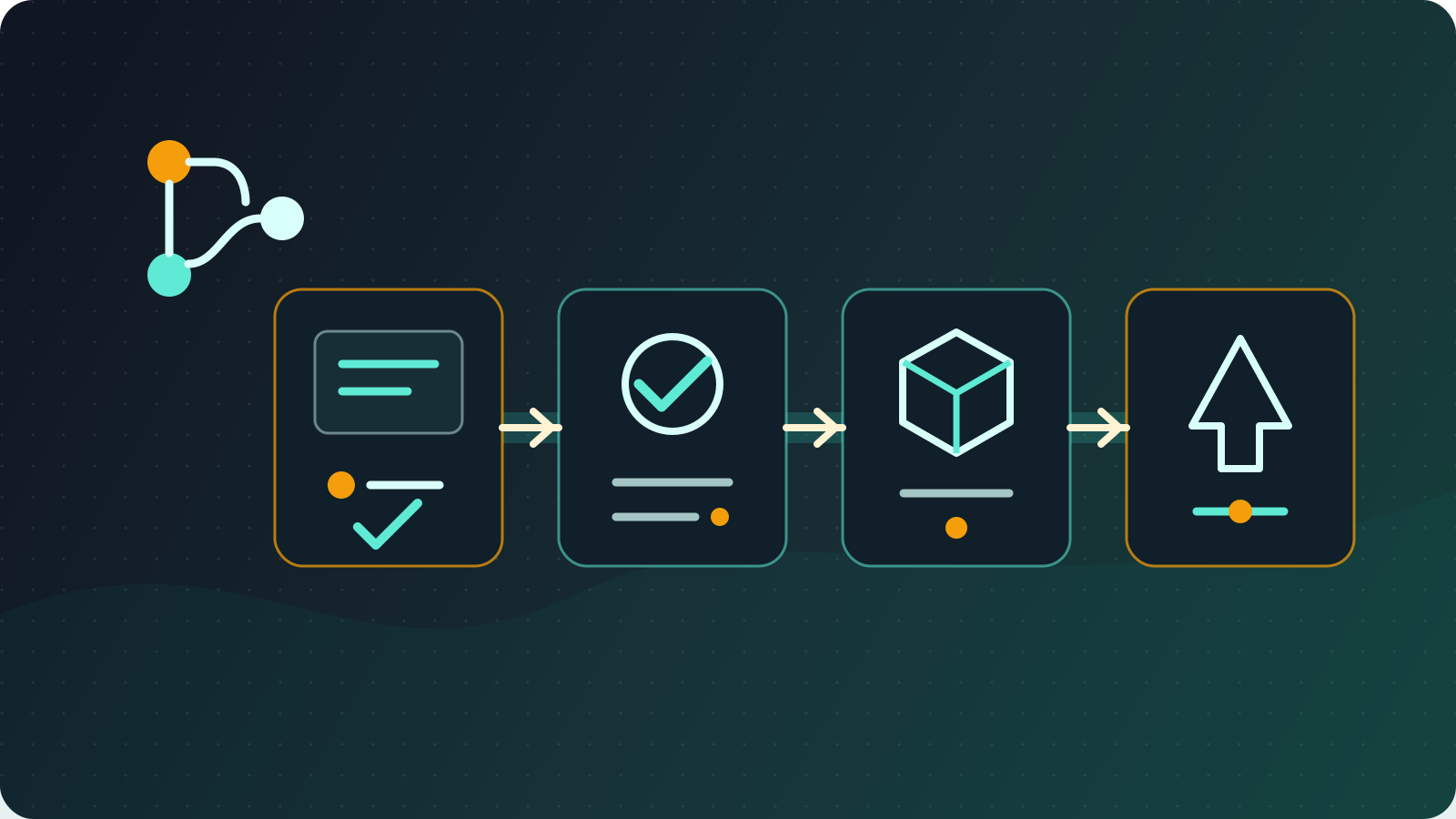
GitLab CI/CD Guide: Runner Setup, .gitlab-ci.yml, Harbor, and Deployments
Hands-on GitLab CI/CD setup notes covering GitLab Runner and config.toml, a working .gitlab-ci.yml, Harbor registry integration, and multi-environment deployment.

In enterprise DevOps work, I build and maintain GitLab CI/CD workflows that automate everything from code submission to production deployment. This article shares the foundational GitLab CI/CD configuration I rely on.
Reviewed July 11, 2026: The examples now use GitLab Runner authentication tokens, Node.js 24 LTS, and Docker 29.6.1. Version and security defaults continue to change; check the current GitLab Runner registration documentation, Node.js release status, and Docker Engine release notes before production use, then pin images to a version or digest your team has tested.
GitLab CI/CD Foundation
1. GitLab Runner Deployment
Create the runner in the GitLab project, group, or Admin Area first, configure attributes such as tags and protected scope there, and then copy the runner authentication token that starts with glrt-. The older registration-token workflow is deprecated and might already be disabled by the GitLab instance, so do not use --registration-token as the default for new runners.
Self-hosted runner setup:
# Install GitLab Runner
curl -L "https://packages.gitlab.com/install/repositories/runner/gitlab-runner/script.deb.sh" | sudo bash
sudo apt-get install gitlab-runner

# Register the runner
export RUNNER_AUTHENTICATION_TOKEN="glrt-REDACTED"
sudo gitlab-runner register \
  --non-interactive \
  --url "https://gitlab.company.com/" \
  --token "$RUNNER_AUTHENTICATION_TOKEN" \
  --executor "docker" \
  --docker-image "alpine:3.23"
Treat the authentication token as a secret. Do not commit it or expose it in CI logs or shared notes; registration stores it in config.toml on the runner host, so restrict access to that file and host.
For a full config.toml reference, Docker-in-Docker trade-offs, and common CI/CD variables, see GitLab Runner config.toml configuration and common CI/CD variables.
Docker-in-Docker configuration:
# /etc/gitlab-runner/config.toml
concurrent = 4
check_interval = 0

[session_server]
  session_timeout = 1800

[[runners]]
  name = "docker-runner"
  url = "https://gitlab.company.com/"
  token = "glrt-REDACTED"
  executor = "docker"
  [runners.custom_build_dir]
  [runners.cache]
    [runners.cache.s3]
    [runners.cache.gcs]
    [runners.cache.azure]
  [runners.docker]
    tls_verify = false
    image = "docker:29.6.1-cli"
    privileged = true
    disable_entrypoint_overwrite = false
    oom_kill_disable = false
    disable_cache = false
    volumes = ["/certs/client", "/cache"]
    shm_size = 0
The Docker-in-Docker jobs below require a Docker executor configured with privileged = true and a /certs/client volume. Privileged runners have a larger attack surface, so restrict them to trusted projects and users or choose a non-privileged image build method.
Basic .gitlab-ci.yml Example
A Simple Node.js Project
# .gitlab-ci.yml
image: node:24-alpine

# Define stages
stages:
  - test
  - build
  - deploy

# Cache settings
cache:
  paths:
    - node_modules/

# Install dependencies
before_script:
  - npm ci

# Test stage
test:
  stage: test
  script:
    - npm run test
  only:
    - merge_requests
    - main

# Build stage
build:
  stage: build
  image: docker:29.6.1-cli
  services:
    - name: docker:29.6.1-dind
      alias: docker
  variables:
    DOCKER_HOST: "tcp://docker:2376"
    DOCKER_TLS_CERTDIR: "/certs"
    DOCKER_TLS_VERIFY: "1"
    DOCKER_CERT_PATH: "$DOCKER_TLS_CERTDIR/client"
  before_script:
    - echo "$CI_REGISTRY_PASSWORD" | docker login --username "$CI_REGISTRY_USER" --password-stdin "$CI_REGISTRY"
  script:
    - docker build -t $CI_REGISTRY_IMAGE:$CI_COMMIT_SHA .
    - docker push $CI_REGISTRY_IMAGE:$CI_COMMIT_SHA
  only:
    - main

# Deploy to the staging environment
deploy:staging:
  stage: deploy
  image: alpine:3.23
  before_script:
    - apk add --no-cache kubectl
  script:
    - echo "Deploying to staging environment"
    - kubectl set image deployment/myapp myapp=$CI_REGISTRY_IMAGE:$CI_COMMIT_SHA
  environment:
    name: staging
  only:
    - main
Harbor Private Registry Integration
Setting Up and Using Harbor
We use Harbor as a private Docker image registry for secure, efficient image management.
Basic Harbor configuration:
# Use Harbor as the image registry
variables:
  HARBOR_REGISTRY: "harbor.company.com"
  HARBOR_PROJECT: "myproject"
  IMAGE_NAME: "$HARBOR_REGISTRY/$HARBOR_PROJECT/myapp"

build:harbor:
  stage: build
  image: docker:29.6.1-cli
  services:
    - name: docker:29.6.1-dind
      alias: docker
  variables:
    DOCKER_HOST: "tcp://docker:2376"
    DOCKER_TLS_CERTDIR: "/certs"
    DOCKER_TLS_VERIFY: "1"
    DOCKER_CERT_PATH: "$DOCKER_TLS_CERTDIR/client"
  before_script:
    # Log in to Harbor
    - echo "$HARBOR_PASSWORD" | docker login --username "$HARBOR_USERNAME" --password-stdin "$HARBOR_REGISTRY"
  script:
    # Build and push to Harbor
    - docker build -t $IMAGE_NAME:$CI_COMMIT_SHA .
    - docker build -t $IMAGE_NAME:latest .
    - docker push $IMAGE_NAME:$CI_COMMIT_SHA
    - docker push $IMAGE_NAME:latest
  only:
    - main
Harbor image scanning:
# Harbor's built-in image security scanning
scan:harbor:
  stage: build
  needs: ["build:harbor"]
  image: alpine:3.23
  before_script:
    - apk add --no-cache curl jq
  script:
    # Trigger a Harbor scan
    - |
      curl -X POST -u "$HARBOR_USERNAME:$HARBOR_PASSWORD" \
      "https://$HARBOR_REGISTRY/api/v2.0/projects/$HARBOR_PROJECT/repositories/myapp/artifacts/$CI_COMMIT_SHA/scan"
    # Wait for the scan to finish and fetch the results
    - sleep 30
    - |
      curl -u "$HARBOR_USERNAME:$HARBOR_PASSWORD" \
      "https://$HARBOR_REGISTRY/api/v2.0/projects/$HARBOR_PROJECT/repositories/myapp/artifacts/$CI_COMMIT_SHA?with_scan_overview=true" | jq '.scan_overview'
  only:
    - main
Simple Multi-Environment Deployment
Basic Deployment Example
# Simple multi-environment deployment
.deploy_template:
  image: alpine:3.23
  before_script:
    - apk add --no-cache kubectl
  script:
    - kubectl set image deployment/$APP_NAME $APP_NAME=$IMAGE_NAME:$CI_COMMIT_SHA

deploy:staging:
  extends: .deploy_template
  stage: deploy
  variables:
    APP_NAME: "myapp-staging"
  environment:
    name: staging
  only:
    - develop

deploy:production:
  extends: .deploy_template
  stage: deploy
  variables:
    APP_NAME: "myapp-prod"
  environment:
    name: production
  when: manual
  only:
    - main
Docker Integration
Dockerfile Best Practices
# Multi-stage build
FROM node:24-alpine AS builder
WORKDIR /app
COPY package*.json ./
RUN npm ci --omit=dev && npm cache clean --force

FROM node:24-alpine AS runtime
RUN addgroup -g 1001 -S nodejs
RUN adduser -S nextjs -u 1001

WORKDIR /app
COPY --from=builder /app/node_modules ./node_modules
COPY . .

USER nextjs
EXPOSE 3000
CMD ["npm", "start"]
Docker Compose Test Environment
# compose.test.yml
services:
  app:
    build: .
    environment:
      - NODE_ENV=test
      - DATABASE_URL=postgresql://test:test@db:5432/testdb
    depends_on:
      - db
      - redis

  db:
    image: postgres:18
    environment:
      POSTGRES_DB: testdb
      POSTGRES_USER: test
      POSTGRES_PASSWORD: test

  redis:
    image: redis:8-alpine
Basic Optimization Tips
Cache Settings
# Simple cache configuration
cache:
  paths:
    - node_modules/
- dist/# Per-branch cache (use one or the other; cache cannot be defined twice at the same level)
cache:
key: "$CI_COMMIT_REF_SLUG"
paths:
- node_modules/Troubleshooting
Common Problems and Fixes
Problem 1: The runner runs out of memory
# config.toml
[[runners]]
  [runners.docker]
    memory = "4g"
    memory_swap = "4g"
Problem 2: Network connectivity issues
# Add a retry policy
retry:
  max: 2
  when:
    - runner_system_failure
    - stuck_or_timeout_failure
Problem 3: Permission issues
# Check runner permissions
sudo usermod -aG docker gitlab-runner
sudo systemctl restart gitlab-runner
Conclusion
GitLab CI/CD is a practical DevOps tool: a small amount of configuration is enough to build a basic automated deployment pipeline. The keys are:
- Start simple: begin with basic test, build, and deploy stages
- Integrate Harbor: use a private image registry to keep images secure
- Optimize gradually: add features step by step as needs arise
- Design for modularity: use
extendsto reduce duplicated configuration
Starting with a simple configuration and gradually building a CI/CD workflow that fits the team is an effective way to improve development efficiency.